Online recharge for metro rail cards has now started — here’s how you can do it

- Update Time : 08:43:16 am, Tuesday, 25 November 2025
- / 334 Time View

Metro Rail Card Online Recharge Launched — Here’s How It Works
Residents of Dhaka will no longer need to visit metro stations just to top up their permanent Rapid Pass or MRT Pass cards. Starting today (Tuesday), users can add money to their cards from anywhere using credit cards, mobile financial services such as bKash, Nagad, Rocket, and other online banking options.
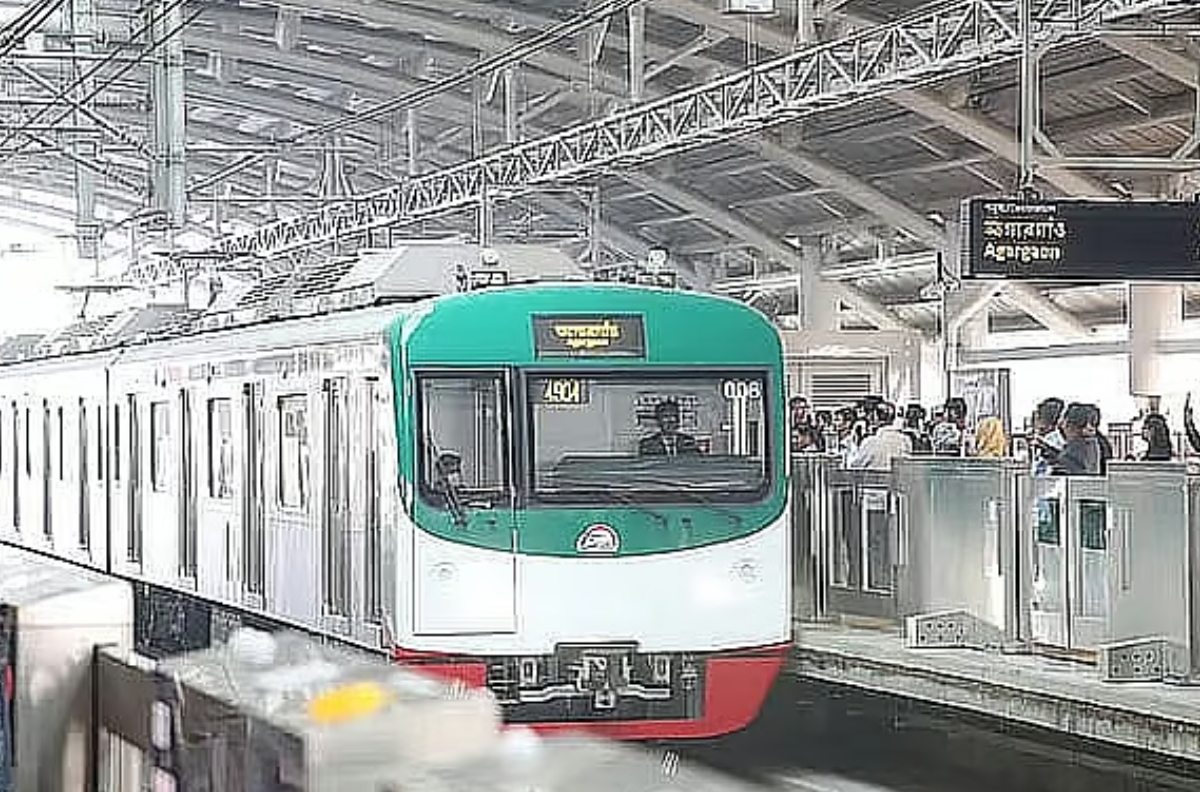
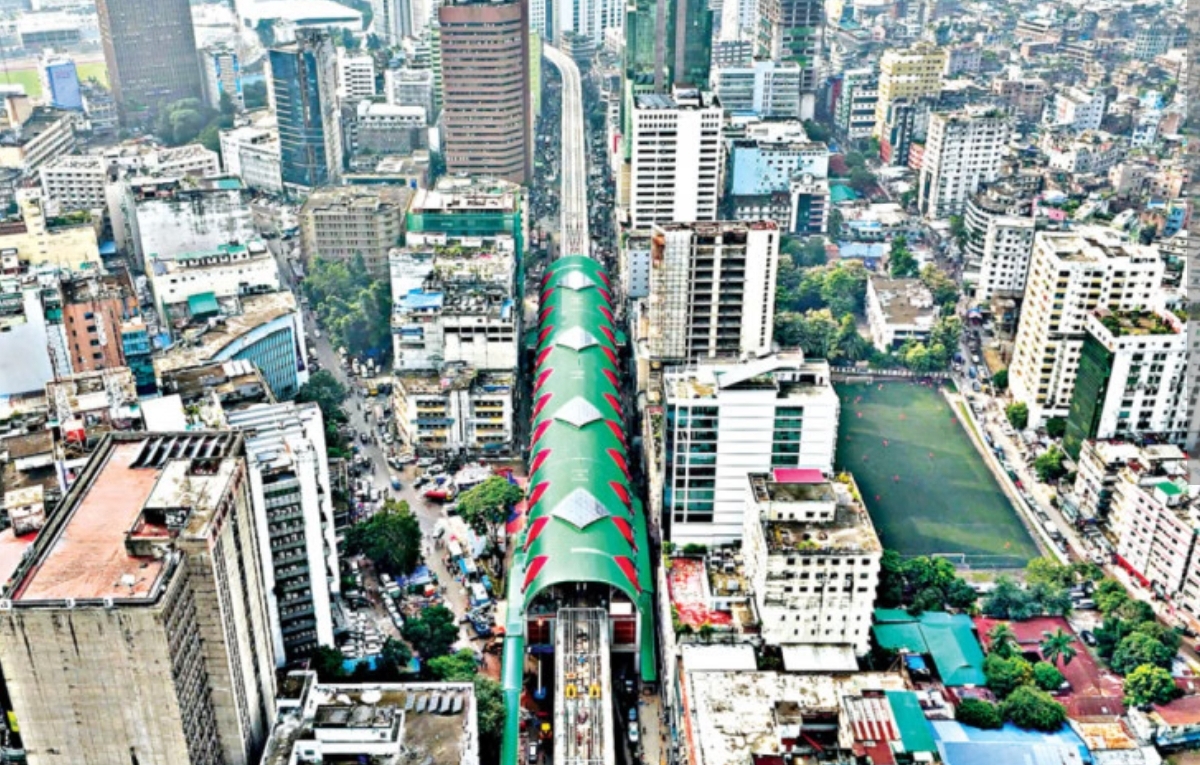
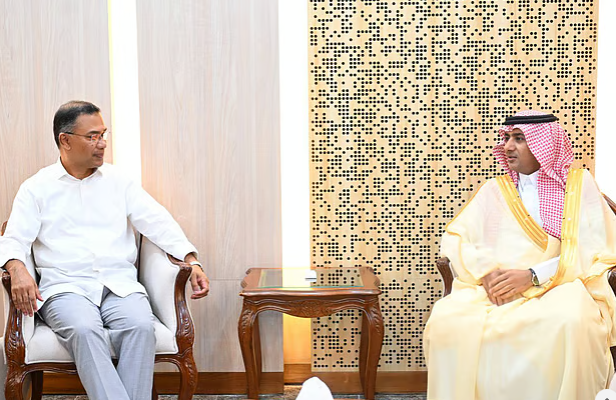
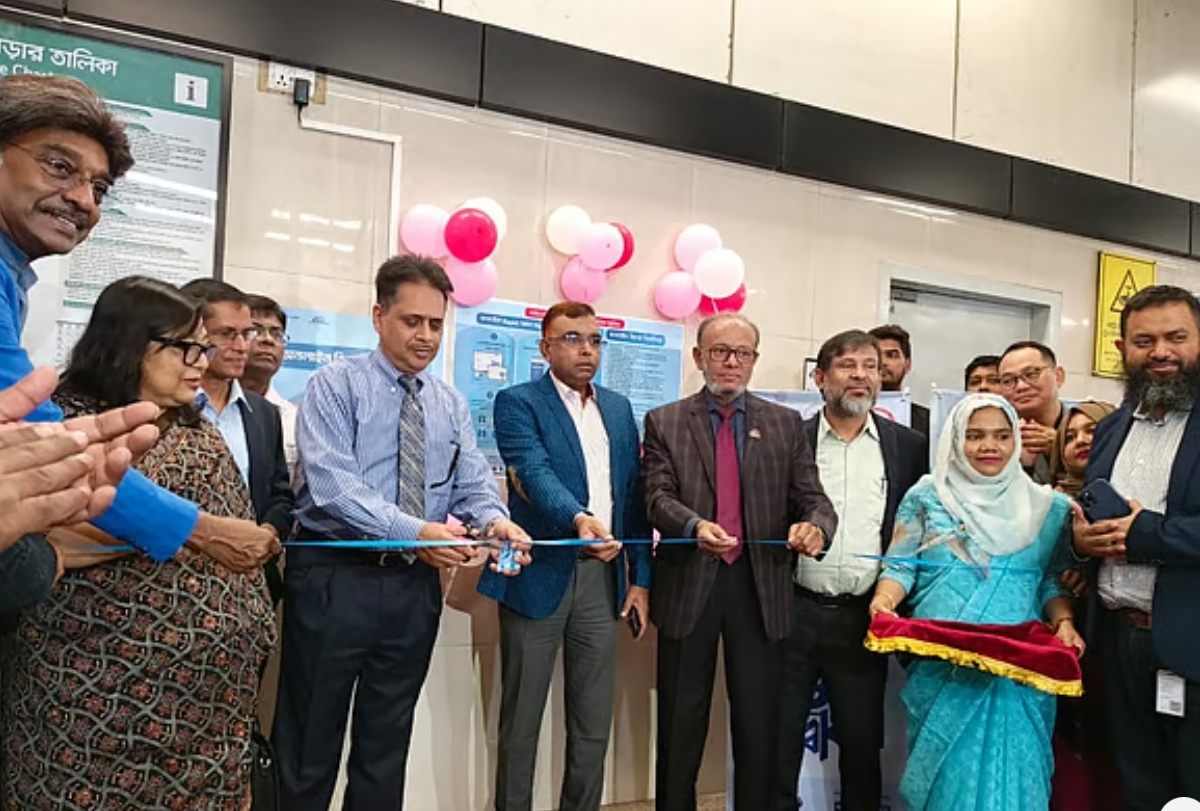
The online recharge service for Rapid Pass and MRT Pass was officially inaugurated this afternoon at the Agargaon Metro Station. The event was attended by Sheikh Moinuddin, Special Assistant to the Chief Adviser (Road, Bridge & Rail Ministry), as the chief guest. Additional Secretary Nikhil Kumar Das from the Road Transport and Highways Division served as the special guest, while the ceremony was chaired by DTCAs Executive Director Neelima Akhter.
Remarks at the Launch
Sheikh Moinuddin described the initiative as a major step toward the digital transformation of Bangladesh’s public transportation system. According to him, commuters will now be able to top up their cards anytime and from anywhere securely and efficiently.
Nikhil Kumar Das emphasized the importance of digital technologies in improving service quality, governance, and operational efficiency in public transport. He noted that online recharge will offer faster and more transparent service to passengers, with further digital integration planned for the future.
Neelima Akhter added that the long-awaited service will save passengers time, promote cashless transactions, and strengthen the modernization of mass transport. Through this upgrade, commuters can expect a smart and hassle-free travel experience.
Officials from BRTC, Bangladesh Bank, Dhaka Mass Transit Company Limited (DMTCL), and SSL (the service provider) were also present at the event.
New Add-Value Machines Installed
Every metro station is now equipped with two Add Value Machines (AVMs), totaling 32 across all 16 stations. After recharging online, users will need to tap their card on one of these machines for the balance to be added. More units will be installed later. A dedicated metro rail app enabling online recharge will be launched next month.
How to Recharge Online
1. Registration
First-time users must create an account on the official website or mobile app.
If the Rapid Pass card is not registered yet, it must be registered before using the online recharge option.
2. Make an Online Payment
Select any supported payment method and recharge the card online.
Until the card is tapped on an AVM, the transaction will remain in a “pending” state.
3. Confirm the Recharge
Tap the card on an AVM to load the recharged balance onto the card.
A confirmation SMS will be sent to the registered mobile number once the recharge is successful.
Recharge Limits
Minimum recharge per transaction: ৳100
Maximum recharge per transaction: ৳5,000
Additional Rules
Only one pending recharge is allowed at a time; a new online recharge cannot be made before completing the previous one via AVM.
Recharges are not allowed for blacklisted, refunded, or invalid cards.
Users can view their transaction history through the mobile app or web portal.
Cancellation & Refund
Users may request cancellation within 7 days, as long as the card hasn’t been tapped at an AVM.
A 5% service fee will be deducted for cancellations.
If a pending recharge fails due to card blacklisting, users may apply for a refund—subject again to a 5% service charge